

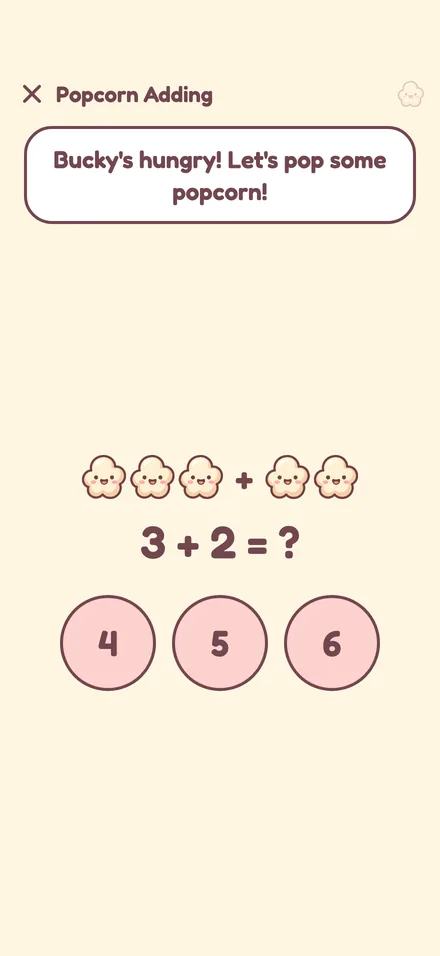
Popcorn Adding
Count popcorn, pick the answer. Levels from within 5 up to within 20, with counters for little ones who still like to count.
A video app for kids, made by parents
Kids watch only the videos you approved. Every minute costs a few Popcorn Pals, and kids earn Pals in short, friendly lessons: adding, times tables and spelling. No negotiating, no tears when it's over.


How it works
Bucky is a popcorn bucket, and his popcorn is the currency. How full Bucky is shows how much watching is left, so even kids who don't read numbers yet get it.
A few quick puzzles at the kid's own level. Wrong answers get an encouraging "Oops, try again!", never a buzzer.

Every right answer pops Pals into Bucky. Save them up, or put them in Bucky's bank and watch them grow.

Pick something from the family library. Each started minute costs a few Pals, and they hop out of Bucky one by one while the video plays.

When the Pals run out, the video pauses and a short lesson starts. Finish it, and the video picks up right where it stopped. Watching ends naturally, without a fight.
Lessons
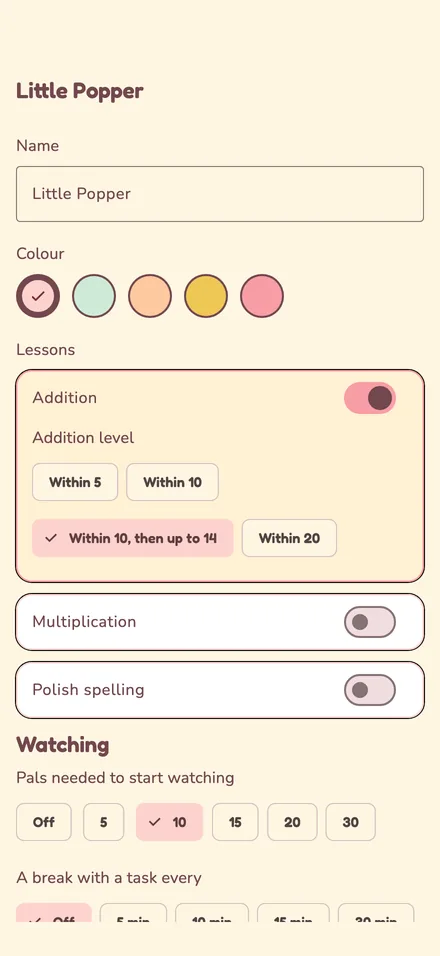
A parent picks which lessons each kid gets and at what level. A few minutes a day adds up to a habit.
Count popcorn, pick the answer. Levels from within 5 up to within 20, with counters for little ones who still like to count.
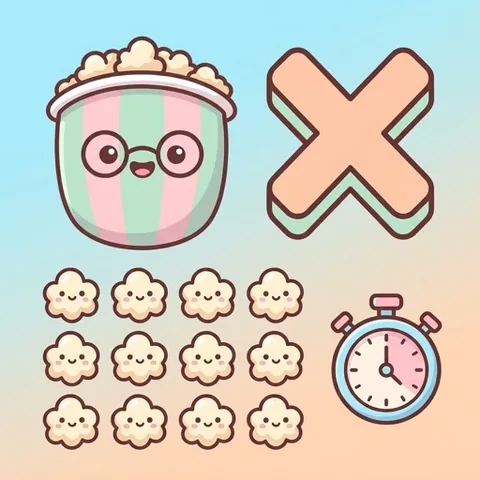
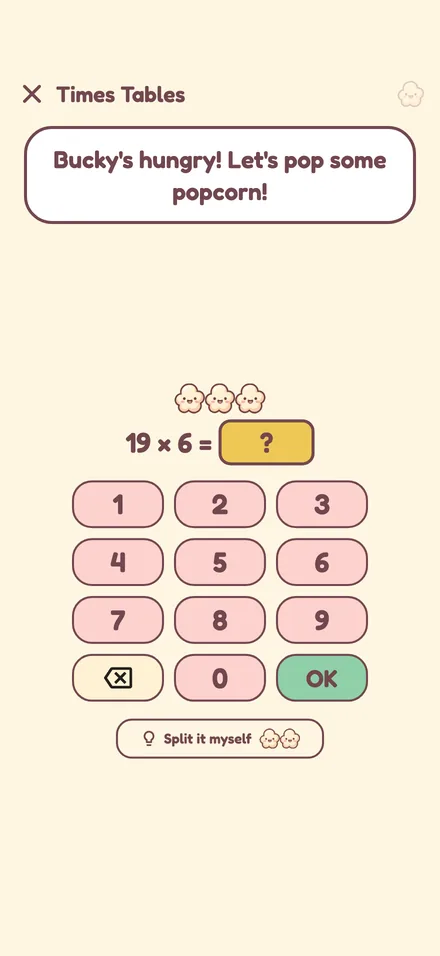
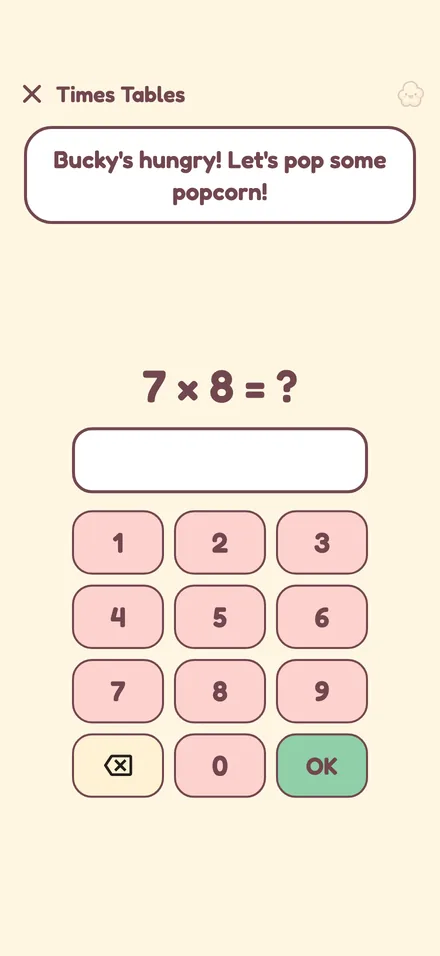
Timed tables within 100, and bigger ones up to 200 with the split method: three levels of help, and more Pals for doing it alone.
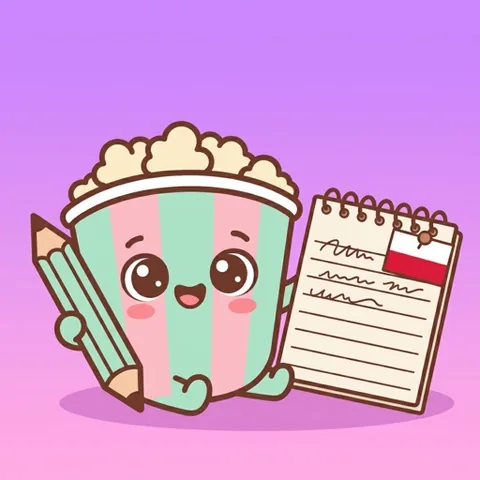
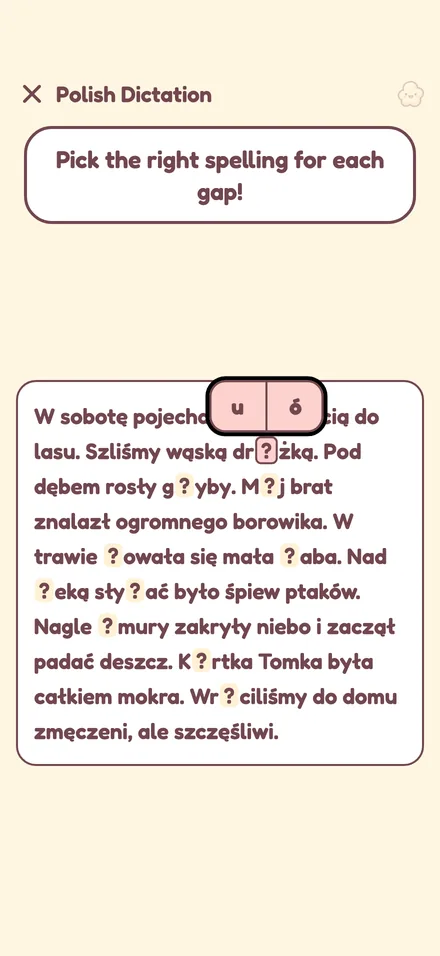
Ten grade-4 dictations. Pick the right spelling for each gap: ó or u, rz or ż, ch or h.

Taking away popcorn, the same gentle way as adding.
For kids
Bucky reacts to everything a kid does, and he is never cross. Sad is only ever "a little hungry".
 Happy to see youThinking with you
 Oops, try againA Pal was earned
 Full, pick a video
 Nap time
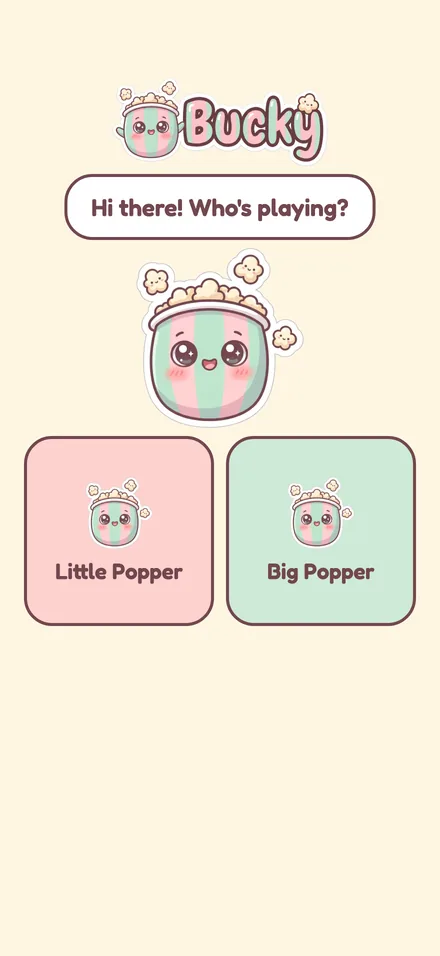
Brothers and sisters share one phone or tablet. Each kid picks their profile on "Who's playing?" and has their own colour, Pals, lessons and videos.
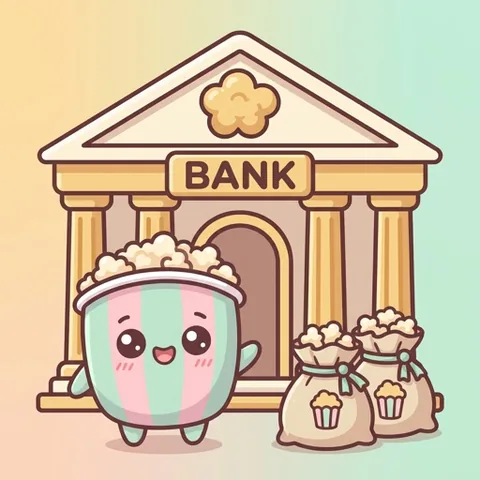
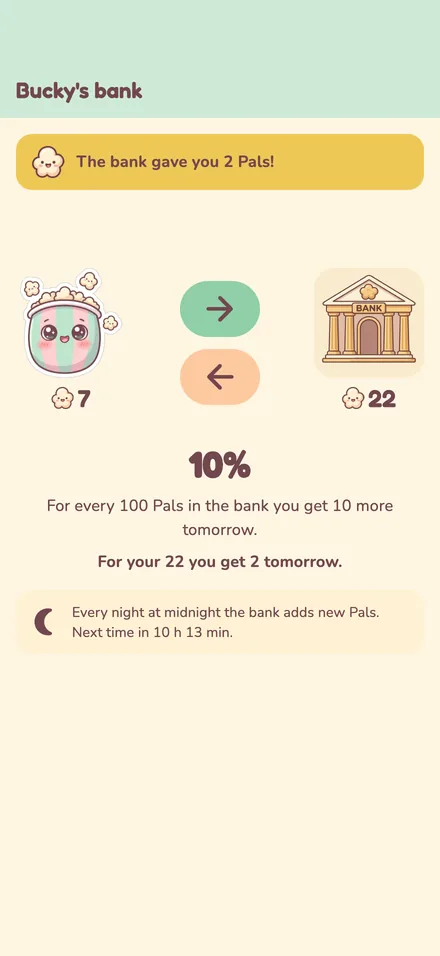
Put Pals in the bank, and every night at midnight it adds a little more. Kids learn to save first and spend later, and see their savings grow.
While a video plays, Pals pop out of Bucky and march off the screen, one per minute. A tiny clock shows when the next one goes.
Chunky rounded digits, big tap targets and pictures instead of menus, for kids who are still learning to read.
For parents
Parent mode sits behind a PIN. Everything is per kid, so the six-year-old and the nine-year-old each get what fits them.
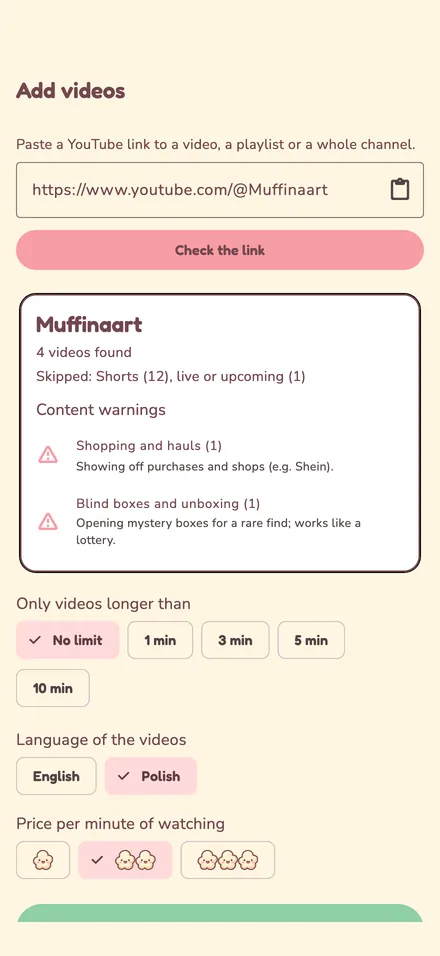
Paste a YouTube link to a single video, a playlist or a whole channel. Bucky lists what's in it, skips Shorts and live streams, and lets you filter by length and language. Choose which kids see each source.
Before anything is added, Bucky flags the kinds of videos many parents would rather skip, so you can hide whole kinds at once:
Settings are locked behind a 4-digit PIN that kids don't know.
Per kid, today and the last 7 days: watching time, lessons done, accuracy, speed and the trickiest facts.
A break with a task every 5 to 60 minutes of watching, and a closed cinema for a while afterwards.
Set how many Pals a kid needs before starting (10 by default) and how much a minute of each kind of video costs.
Invite the other parent with a short code. Several parents can manage one family.
Sign in with Google or Apple and the phone and the tablet share Pals, bank, videos and settings.
On Android, tap Share on any YouTube video and send it straight to Bucky.
Each playlist or channel is for every kid or only some of them, and new videos in it follow the same rule.

When it's break time, Bucky asks for a stretch and a quick task. After a break the cinema can stay closed for a while, with a friendly countdown instead of an argument. Kids can still do lessons and visit the bank while they wait.

Safety and privacy
Bucky works fully on one device without any account. Nothing leaves the device then, apart from YouTube loading the videos you approved.
If you sign in to share a family across devices, this is kept in our Firebase project in the EU (Warsaw, Poland):
Some things simply never leave the device, or are never collected at all:
FAQ
No. Kids only see the videos, playlists and channels a parent added. There is no search, no recommendations and no autoplay into something new.
No. On one device Bucky works without any account. A family account (Google or Apple sign-in) is only needed if you want the same kids, Pals and videos on several devices.
Android phones and tablets, and iPhone and iPad. The iPhone and iPad version is in TestFlight for now.
The video pauses and a short lesson starts. When it's done, the video continues from the same moment. You decide how many Pals a kid needs to start again.
The lessons go from adding within 5, for kids who still count on their fingers, to times tables up to 200 and grade-4 Polish spelling. You set the level for each kid.
No. Videos play in YouTube's official embedded player, as YouTube's terms require, so YouTube may still show its own ads. Bucky itself shows no ads and has no in-app purchases for kids.
Yes. Each kid has a profile with their own Pals, bank, lessons, settings and videos, and picks it on the start screen.
English and Polish. Bucky follows the device language, and a parent can switch it in parent mode.
Bucky is in early testing with a small group of families. Drop us a line and we'll let you know when there's room.
Get early accessNo newsletter, no spam. Just one message when it's your turn.